
TOR Browser
Tools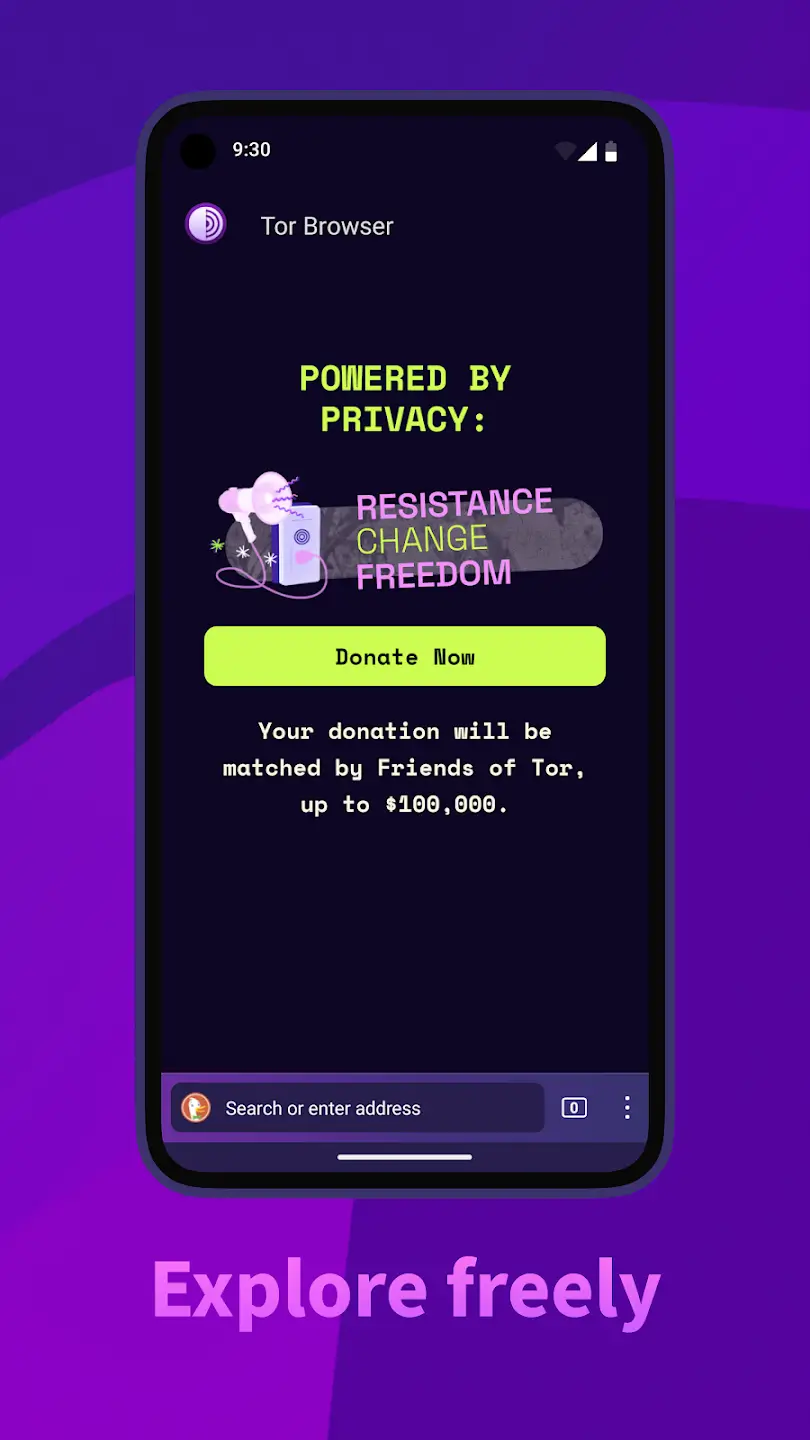
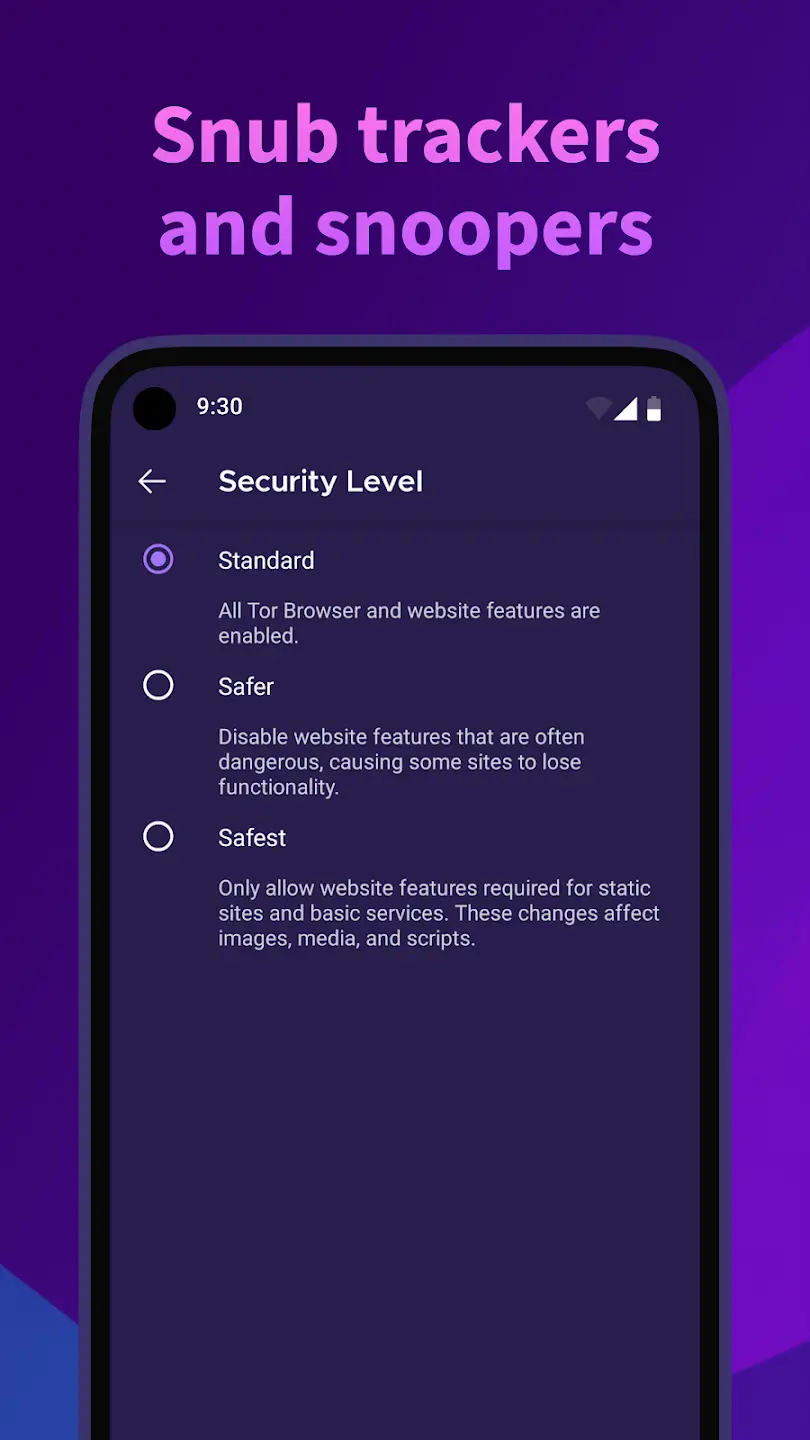

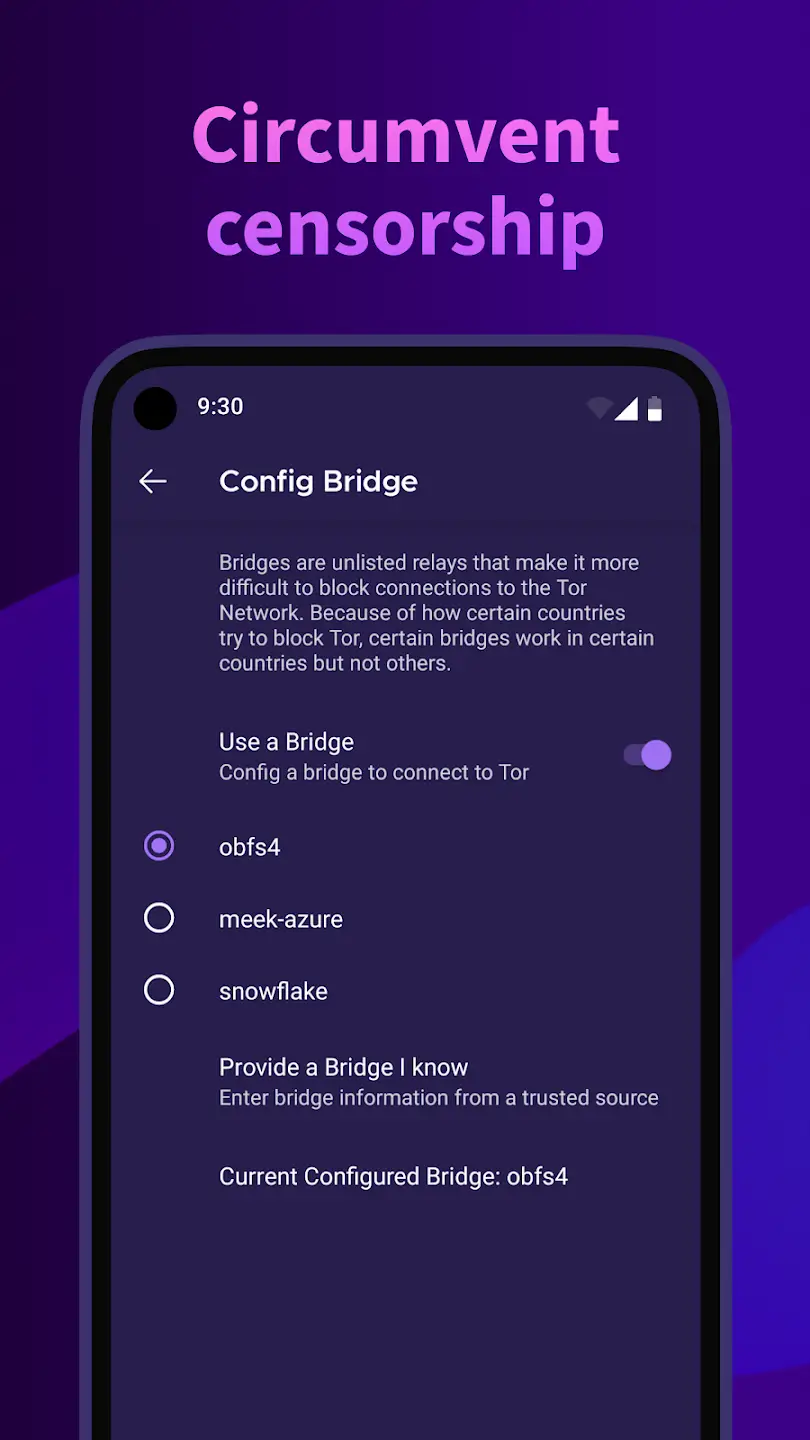
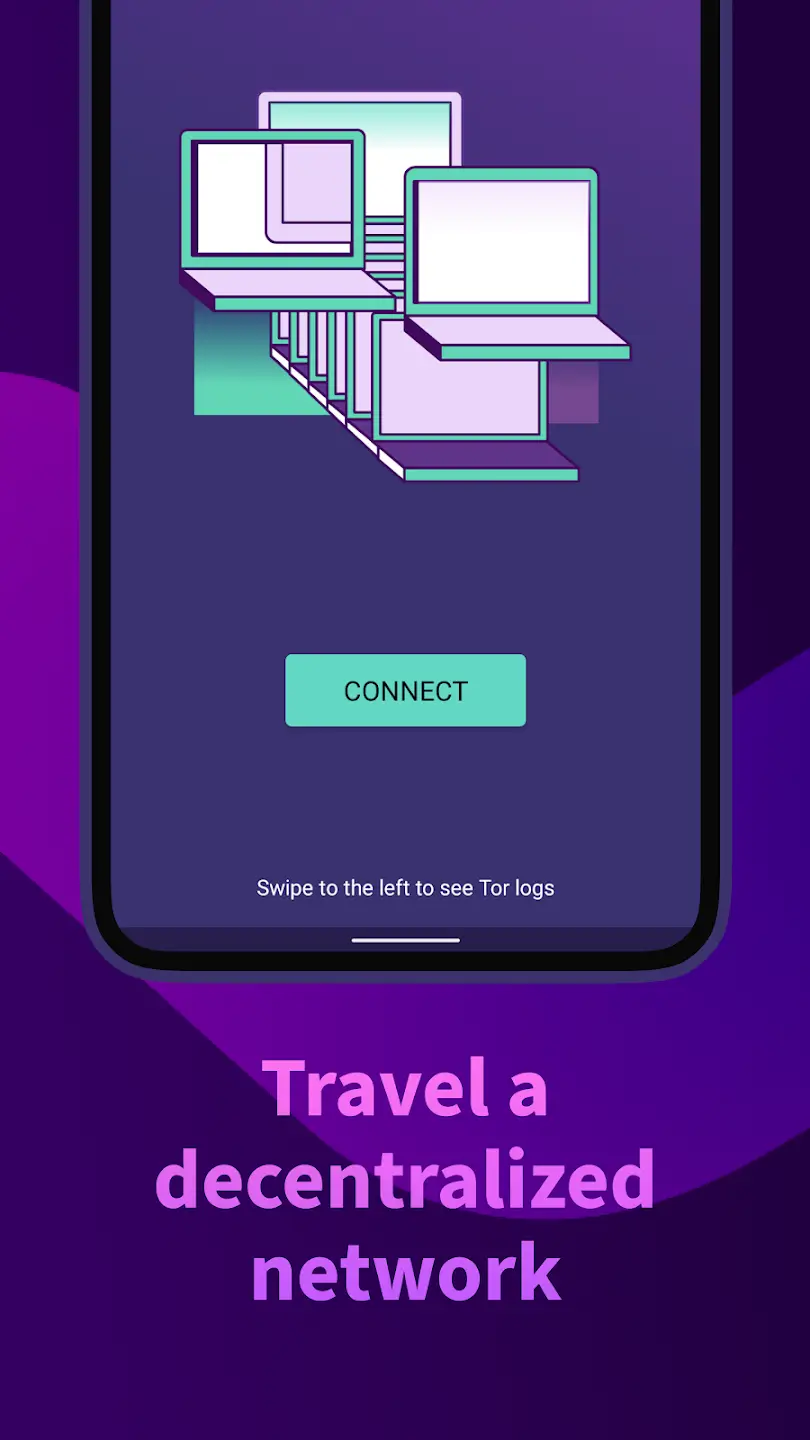

TOR Browser is the Android implementation of the Tor Project’s privacy‑focused web browser. It routes your traffic through the Tor network, letting you browse regular sites anonymously and reach .onion addresses that are part of the hidden web.
This page provides the most recent APK details, step‑by‑step installation instructions, compatibility notes, and safety considerations so you can decide whether to install it on your device.
The build listed here is the official package (no mod modifications) and was last updated on 13 October 2026.
Quick Information
| App/Game Name | TOR Browser |
| Latest Version | 15.0.25 (140.17.0esr) |
| Developer | Not listed |
| Category | Apps / Tools |
| App Size | 105.97 MB |
| Package Name | org.torproject.torbrowser |
| Last Updated | 13 October 2026 |
What Is TOR Browser?
TOR Browser for Android offers the same core functionality as its desktop counterpart: it connects you to the Tor network, masks your IP address, and encrypts traffic between you and the exit node. The browser includes built-in protection against tracking, fingerprinting, and many common web threats. It is aimed at users who need strong anonymity, want to access .onion services, or simply prefer a privacy‑first browsing experience.
Compatibility
| Android Version | Not Verified |
| Architecture (ARM64 / 32-bit) | Not Verified |
| Internet Connection | ✓ Verified — May be required for ads, updates, or login |
| Storage Needed | Not Verified |
| OBB/Data Files | Not Verified |
| Root Required | Not Verified |
How to Install
- Open your device’s Settings, go to Security (or Privacy) and enable Install unknown apps for the file manager or browser you will use.
- Download the TOR Browser APK file to your device.
- Locate the downloaded file using a file manager and tap it to launch the installer.
- Follow the on‑screen prompts to complete the installation.
- After installation, open TOR Browser. The first launch may download additional bridge files; keep an internet connection active.
Troubleshooting
- App Not Installed – Ensure you have enabled installation from unknown sources and that there is enough free storage.
- Crashes on startup – Verify your device runs at least Android 5.0 (Lollipop). Updating the OS or reinstalling the APK often resolves crashes.
- Cannot connect to the Tor network – Check your internet connection, try a different bridge configuration, or switch to a Wi‑Fi network.
- .onion sites fail to load – Make sure the Tor circuit is fully established; restarting the app can help.
- Permissions denied – Grant the requested VPN/Network permissions when prompted; without them the browser cannot route traffic through Tor.
Safety & Security
TOR Browser is a modified open‑source project, but the APK you download should come from a reputable source. Always verify the file’s integrity (e.g., compare SHA‑256 hashes if provided) and review the permissions it requests. The app needs network and VPN permissions to function, which are normal for a Tor client. Because the browser routes traffic through the Tor network, performance can be slower than standard browsers, and some websites may block Tor exit nodes.
How TOR Browser Compares
| Feature | TOR Browser | Orbot | Brave Browser |
|---|---|---|---|
| Price / Free model | Free | Free | Free (offers optional premium subscription) |
| Platform availability | Android | Android, iOS | Android, iOS, Windows, macOS |
| Standout feature | Full Tor integration with .onion support | System‑wide Tor proxy for any app | Built‑in ad blocker and rewards system |
| Best for | Anonymous web browsing and hidden‑service access | Routing any Android app through Tor | Privacy‑focused browsing with fast performance |
Alternatives
Besides TOR Browser, Android users looking for privacy‑oriented browsing can consider:
- Orbot – A Tor proxy that works system‑wide, allowing any app to use the Tor network.
- Brave Browser – Offers aggressive ad‑blocking, HTTPS‑upgrade, and optional Tor tabs for private browsing.
- DuckDuckGo Privacy Browser – Focuses on tracker blocking and private search without requiring a full Tor connection.
- Firefox Focus – A lightweight, privacy‑first browser that automatically erases history and blocks trackers.
Final Verdict
TOR Browser provides a genuine Tor experience on Android, making it the go‑to choice for users who need true anonymity and access to .onion services. It is free, relatively easy to install, and works on most modern Android devices. However, expect slower page loads due to the Tor routing, and be mindful of the permissions it requires. If you only need occasional private browsing without the full Tor network, alternatives like Brave or DuckDuckGo may offer a smoother experience.
Frequently Asked Questions
Only download the APK from a trusted source, verify its hash if provided, and review the permissions it requests before installing.
The app runs on Android 5.0 (Lollipop) and newer, though newer versions provide a smoother experience.
No, TOR Browser works on standard (non‑rooted) Android devices.
Yes, TOR Browser is designed to connect to the Tor network, allowing you to browse .onion sites directly.
Traffic is routed through multiple Tor relays for anonymity, which adds latency compared to regular browsers.
No, it only affects its own traffic; other apps continue to use your regular internet connection unless you use a system‑wide Tor proxy like Orbot.
Updates must be installed manually by downloading the newer APK, as the app does not have a built‑in auto‑update mechanism.
Some services block traffic from known Tor exit nodes, so you may encounter access restrictions on certain websites.